
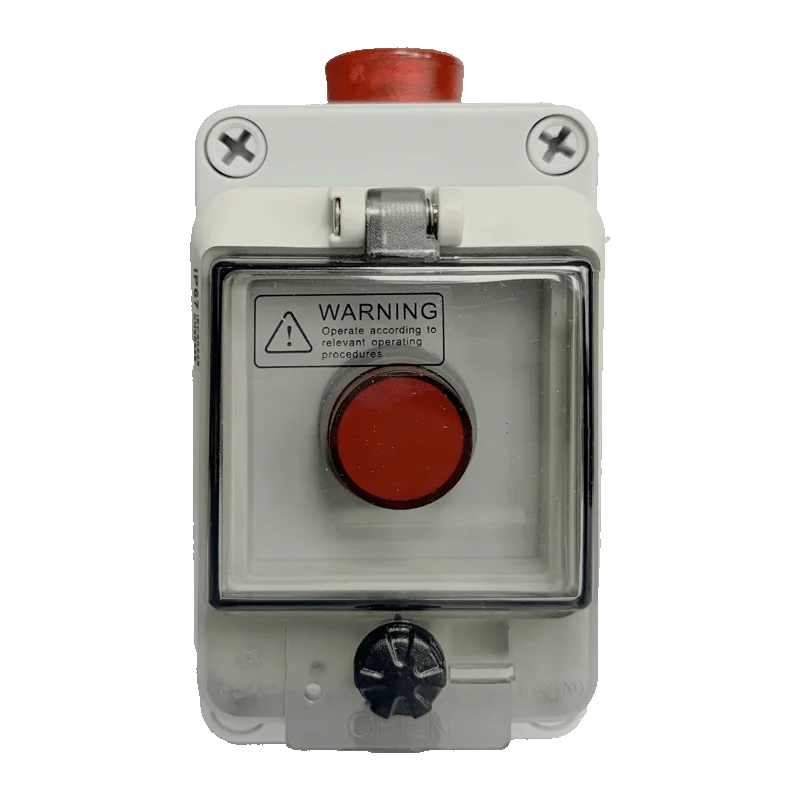
Y901
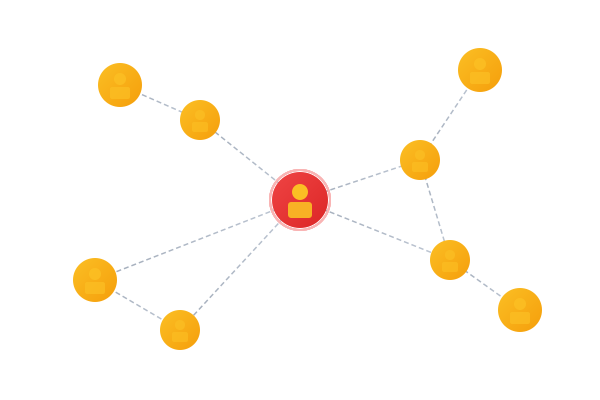
Integrated wireless linkage
Integrated Multi-Point Wireless Alarm System
Each node has a latching button and an audible-visual alarm.
- Y901-L local LoRa, Y901-G 4G, Y901-W Wi-Fi
Industrial alarm systems
Use Y901 when on-site staff need to trigger several linked alarms. Use Y905-G when a server needs to switch a local alarm over 4G.
These products provide auxiliary warning and personnel notification. They do not replace a dedicated emergency-stop or life-safety system.
Compare local button-triggered linkage with remotely commanded on-site warning.
Integrated wireless linkage
Each node has a latching button and an audible-visual alarm.
Network remote control
A server switches the local alarm on or off over 4G.
Test response time, network coverage and the sound and light at the planned installation points.
Press the built-in latching button on any node. That node sounds immediately. Other nodes in the group sound when they receive the signal.
A server sends an on or off command over 4G. Y905-G then starts or stops its local alarm.
Start with the required trigger source, physical alarm locations, network and backup-power requirement.
| Selection point | Y901 | Y905 |
|---|---|---|
| Primary job | Integrated multi-node linkage | Remote control of one local alarm |
| Communication | Local LoRa or remote linkage over 4G or Wi-Fi | 4G only |
| Trigger source | Built-in latching button | Server-issued alarm command |
| Alarm output | The triggering node first, then each node that receives the signal | Local 95 dB alarm and flashing red light |
| Power | 9–36 V DC | 9–36 V DC |
| Start here when | Every point needs a trigger and alarm | A networked system must switch the alarm remotely |
Communication: Y901-L links nodes locally over LoRa. Y901-G and Y901-W use 4G and Wi-Fi respectively to synchronize button states through a server. Y905-G receives server-issued alarm commands over 4G.
Remote control requires power, a working network and an available server. Confirm the protocol and command format before connecting.
Confirm where people need the warning and whether it starts with a field button or a remote command.
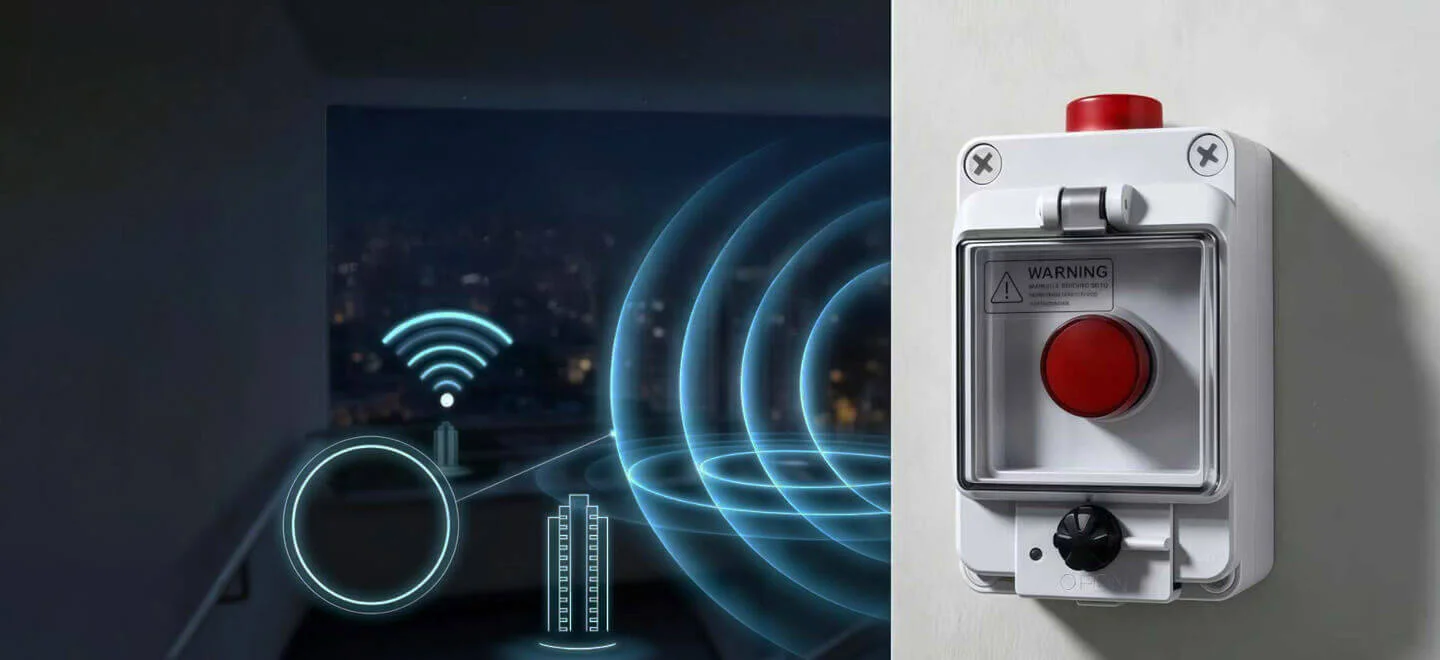
Place a Y901 node wherever people need to trigger or receive a local audible-visual warning.

Evaluate range, relay path, antenna position and enclosure requirements where cabling is difficult.

When a cloud rule detects a reading outside the configured limits, the server can send a command to trigger a local audible-visual warning.

Use audible-visual notification as an auxiliary layer within the approved response procedure.
The trigger source, communication conditions and power requirements define the viable model range.
Choose Y901 when each node needs an integrated trigger and alarm. Choose Y905 when a server needs to start or stop a local alarm, such as after a cloud rule detects an abnormal sensor reading.
The standard model reaches 5 km in open areas, with a 10 km option. Test coverage on site with the planned antenna positions and any obstacles.
Standard Y901 nodes use their built-in latching button for triggering. For remote network on/off commands, choose Y905-G.
Y905-G connects over 4G only.
No. They are auxiliary warning and personnel-notification devices and must not be the only path for emergency stop, life safety or another hard-real-time safety function.
Provide the distances, node quantities, available networks, power sources, required alarm actions and backup needs. The technical team can help select and configure the alarm.