
Serial data remains isolated
Equipment data exposed only through serial interfaces is not directly available to IP-based monitoring and reporting systems.
AI DATA CENTER COOLING
Cooling Equipment Status Monitoring and Interlock Control
Monitor the status of cooling units, pumps, fans, valves and power-distribution equipment, and integrate with existing BMS, PLC or monitoring platforms. Critical protections affecting equipment safety and business continuity should be executed by an approved and tested local system.
On site
Equipment data exposed only through serial interfaces is not directly available to IP-based monitoring and reporting systems.
CDUs, chillers and pumps may output data through RS232 or RS485 while supervisory systems require an IP connection.
Periodic equipment rounds do not provide a continuous record of operating conditions.
A gateway can add network connectivity to compatible cooling equipment without replacing the equipment itself.
Continuous data collection supports trend review, reporting and operating analysis.
System workflow
Connect existing serial equipment and matched I/O points to the monitoring system.
DTUs read RS232 / RS485 equipment; model-specific I/O modules connect matched field signals.
Match serial settings, protocols, point mapping and IP-network access to the existing BMS or PLC.
Gateway links bring equipment data to the monitoring application; supported parallel connections depend on the selected model.
Use the application for status, alerts and records. Send only approved commands to compatible control points.
Critical equipment protection remains with an approved and tested local system.
Monitoring and control
Connect serial data and I/O points while retaining existing SCADA access where required.
Y204-R/Y208-R DTUs convert RS232/RS485 to Modbus TCP, MQTT, and HTTP.
Y301 serial I/O modules connect compatible sensors and actuators over RS485 Modbus RTU. Select the model for its DI, DO, AI or AO channels and confirm electrical ratings for each connected signal.
DTUs connect to existing Ethernet infrastructure. Y208-R adds dual uplinks (LAN1/LAN2) for automatic failover.
Each DTU port runs Socket A and B concurrently. SCADA and YenGear IoT Cloud receive data simultaneously.
IoT Cloud supports manual commands and threshold-based automation for configured equipment points.
Dashboards provide alerts and historical trends, with API-based data export for compatible integrations.
Application examples
Representative cooling-data scenarios for integrators and operators.
Acquire CDU data and connect valves, pumps, and alarms for control workflows.
Add cloud monitoring to RS485/Modbus equipment without replacing working units.
Consolidate serial devices from multiple manufacturers into standard network data paths.
Use existing campus networks to standardize visibility across buildings.
Deployment planning
Connect compatible cooling equipment, I/O points and control workflows through the site network.
Ethernet DTUs connect compatible RS232 and RS485 equipment to the site network. I/O modules add defined sensor and relay points, while the cloud platform provides monitoring, alerts, records and configured control workflows.
Use managed switches, VLANs and the site network operations practices. Confirm serial interfaces, BMS / PLC access and parallel monitoring paths before commissioning.
Deployment planning
The final network, access-control, logging and redundancy requirements are reviewed with the data-center team.
DTUs can connect through the site Ethernet network. VLAN, addressing and access policies remain under the site network design.
Y208-R provides LAN1 and LAN2 interfaces. The required operating mode and failover behavior must be confirmed during configuration.
Project permissions, user roles and integration credentials can be configured according to the deployment scope.
The platform stores configured equipment data, alerts and operation records for review and export.
Select I/O modules by their documented input voltage, temperature, humidity, relay rating and mounting requirements.
Dual-socket configurations can maintain an existing SCADA connection while sending a separate data stream to another system.
System components
This table summarizes the main interfaces and capabilities. Refer to the product documents for exact model variants.
| Parameter | Specification |
|---|---|
| Serial Connectivity | RS232 / RS485, software selectable per port; Y204-R (4-port), Y208-R (8-port); 9–36 VDC wide-range power input |
| Network & Protocols | 10/100Base-T RJ45 Ethernet; TCP, UDP, HTTP, MQTT; Modbus RTU to Modbus TCP conversion; Y208-R adds dual LAN1/LAN2 uplinks for redundancy |
| Dual Socket Architecture | Socket A and B per serial port run concurrently — existing SCADA keeps Socket A; YenGear IoT Cloud uses Socket B for monitoring and control |
| Serial I/O Module (Y301 Series) | 4 DI + 4 DO (Y301-440) or 4 DI + 4 DO + 4 AI 0–10 V / 4–20 mA (Y301-444); SPDT relay rated 277 VAC / 10 A; −40°C to +85°C operating range |
| Reliability & Maintenance | Hardware + software watchdogs, EMC-hardened design, 35 mm DIN-rail mounting; web UI, remote AT commands, HTTP OTA firmware updates |
System components
Selected hardware for connecting cooling equipment, I/O points, and cloud workflows.
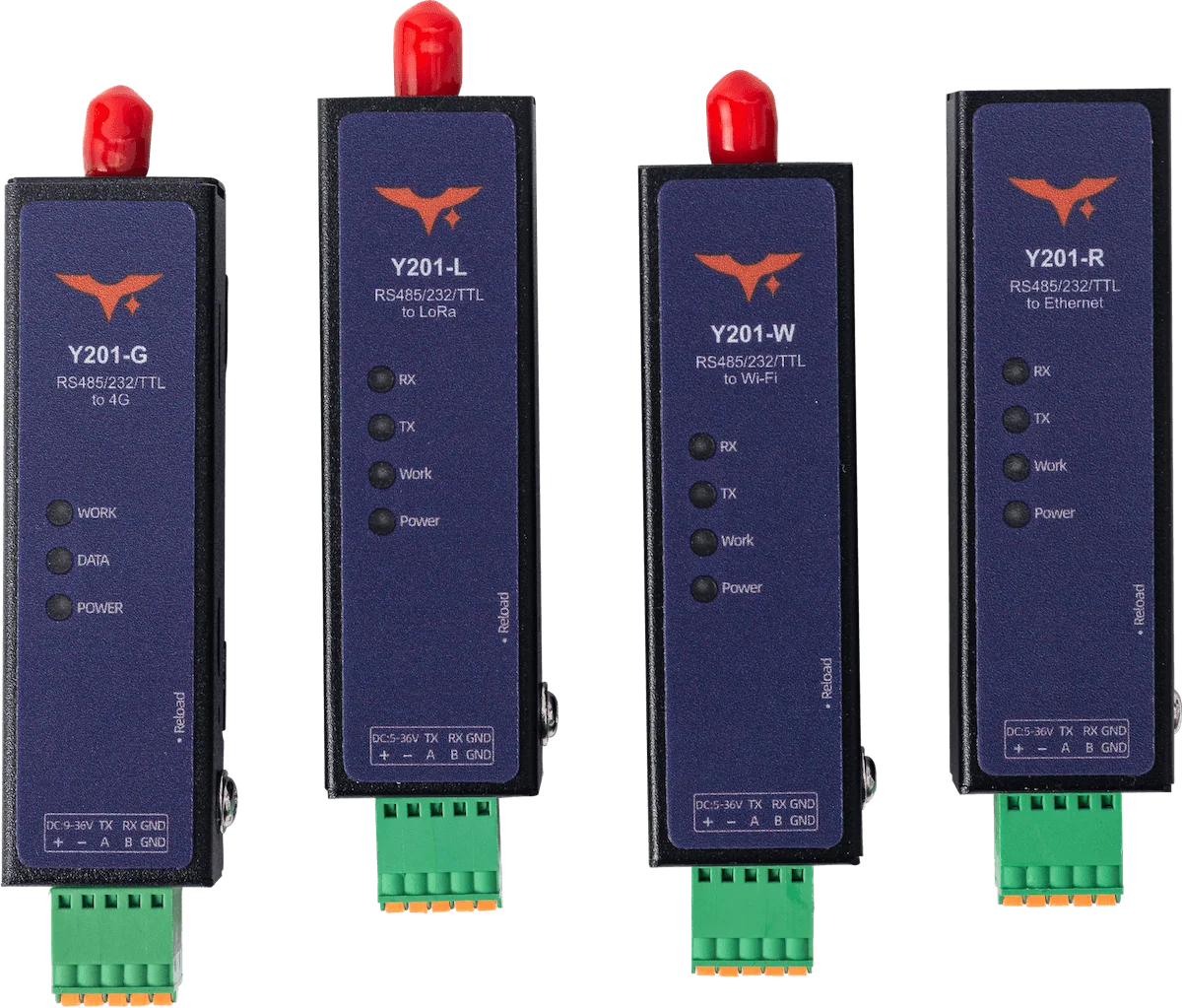
Serial gateway options
Serial-to-network connectivity for cooling equipment data.
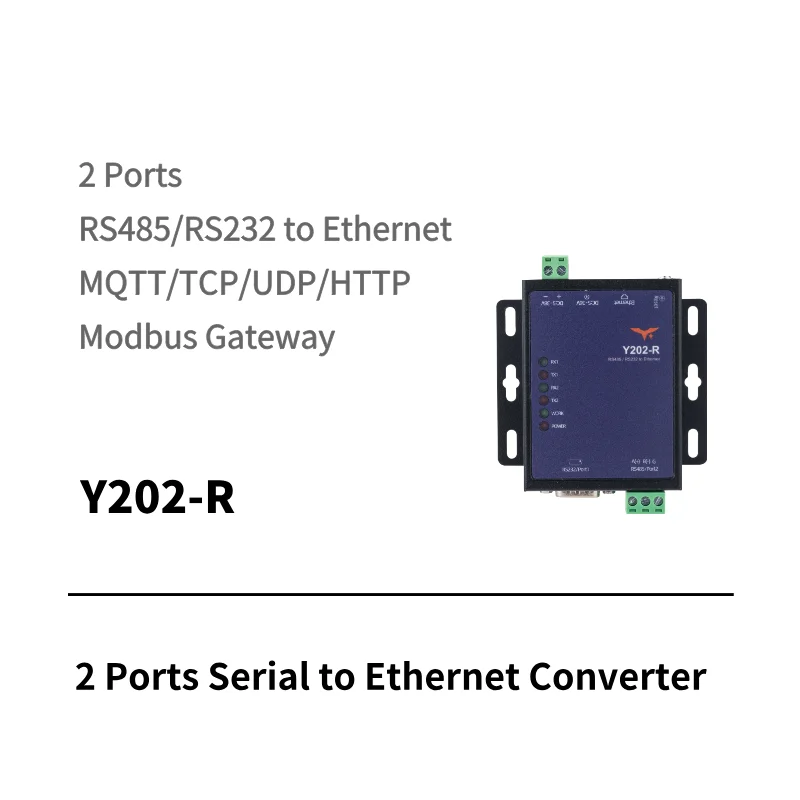
Ethernet serial gateway
RJ45 Ethernet, 2 x RS232 / 2 x RS485
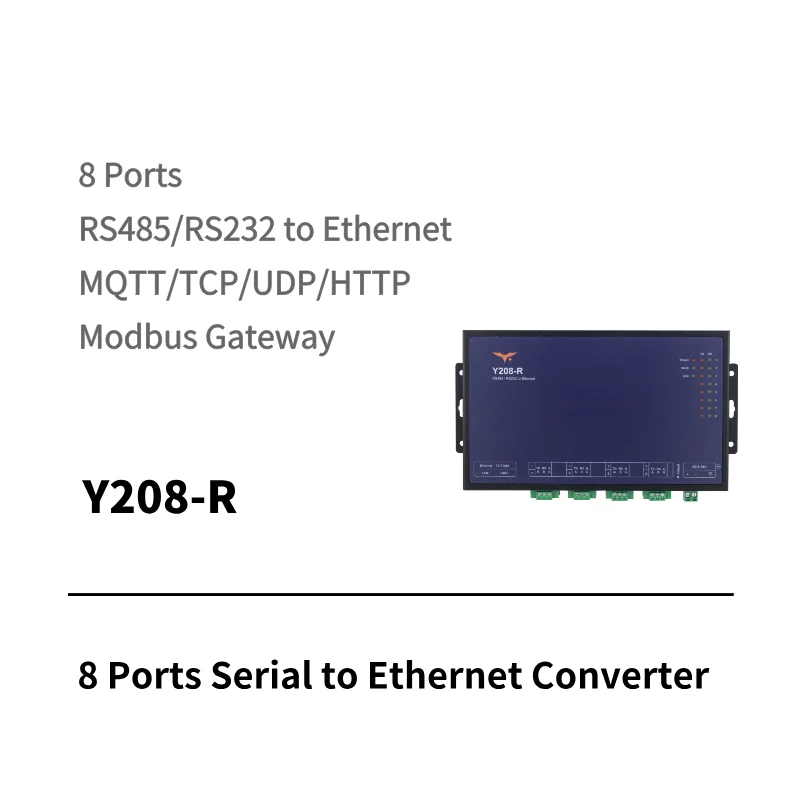
Multi-port serial gateway
RJ45 Ethernet, 8 x RS232 / 8 x RS485
Common integration questions for data center operators and system integrators.
Ethernet is often evaluated when a managed network and suitable cabling are already available. Wireless may be useful where cabling is difficult. The choice depends on the equipment interface, network policy, response requirements and site survey.
Existing equipment may be connected through compatible RS232, RS485 or discrete I/O interfaces without replacing the equipment. Confirm the protocol, register map, electrical isolation, access window and change-control requirements before installation.
Provide the equipment interface, protocol, point list, addressing, read/write permissions, update frequency, alarm ownership and network rules. The final data path and parallel access depend on the equipment and integration review.
Compatible cooling equipment, sensors, relays, alarms, valves and pump signals can be evaluated through serial interfaces or appropriately selected Y301 serial I/O modules. Voltage, signal type, protocol and control responsibility must be confirmed for each point.
No. YenGear provides the DTU, I/O, and cloud monitoring/control layer that can integrate into broader ecosystems.
Cooling integration review
Tell us the equipment interfaces, network and monitoring points.