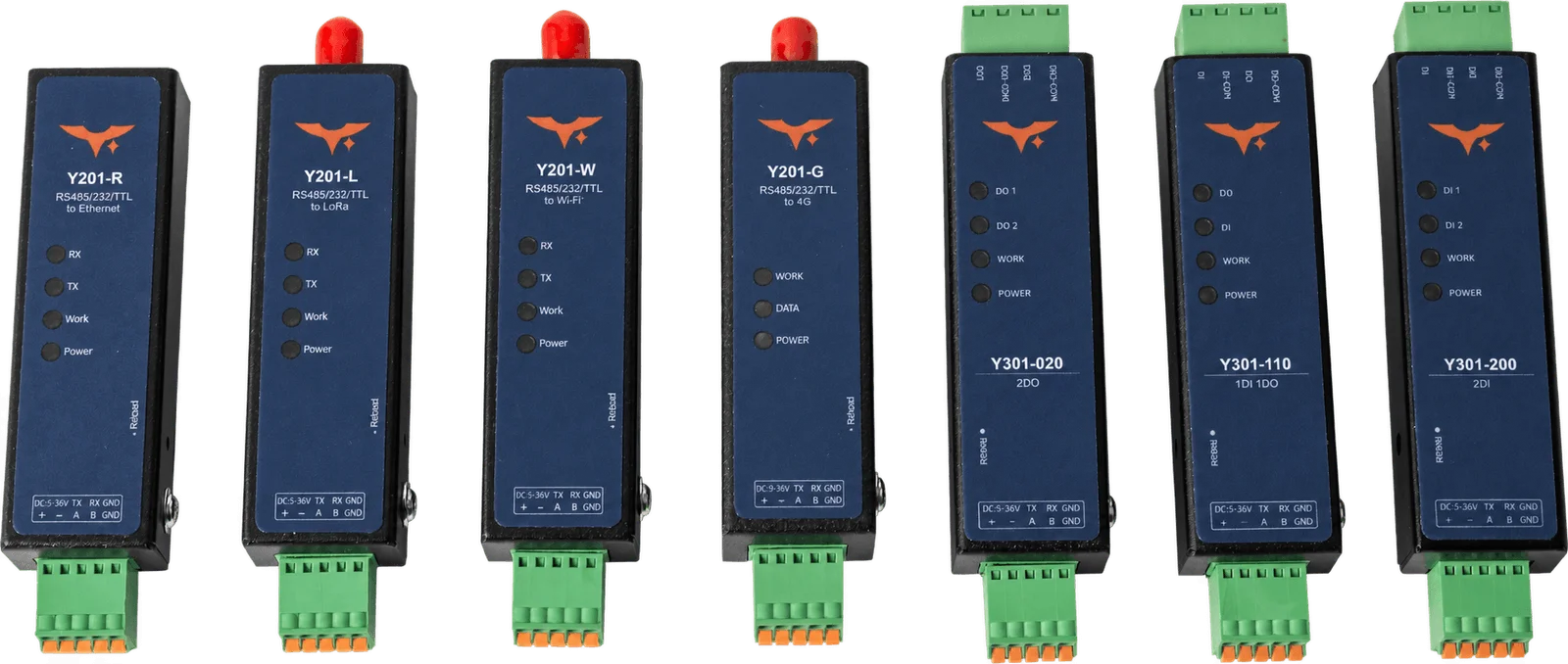
Installation space, interfaces and adding MiniLink to existing equipment.
Do all MiniLink models have the same dimensions?
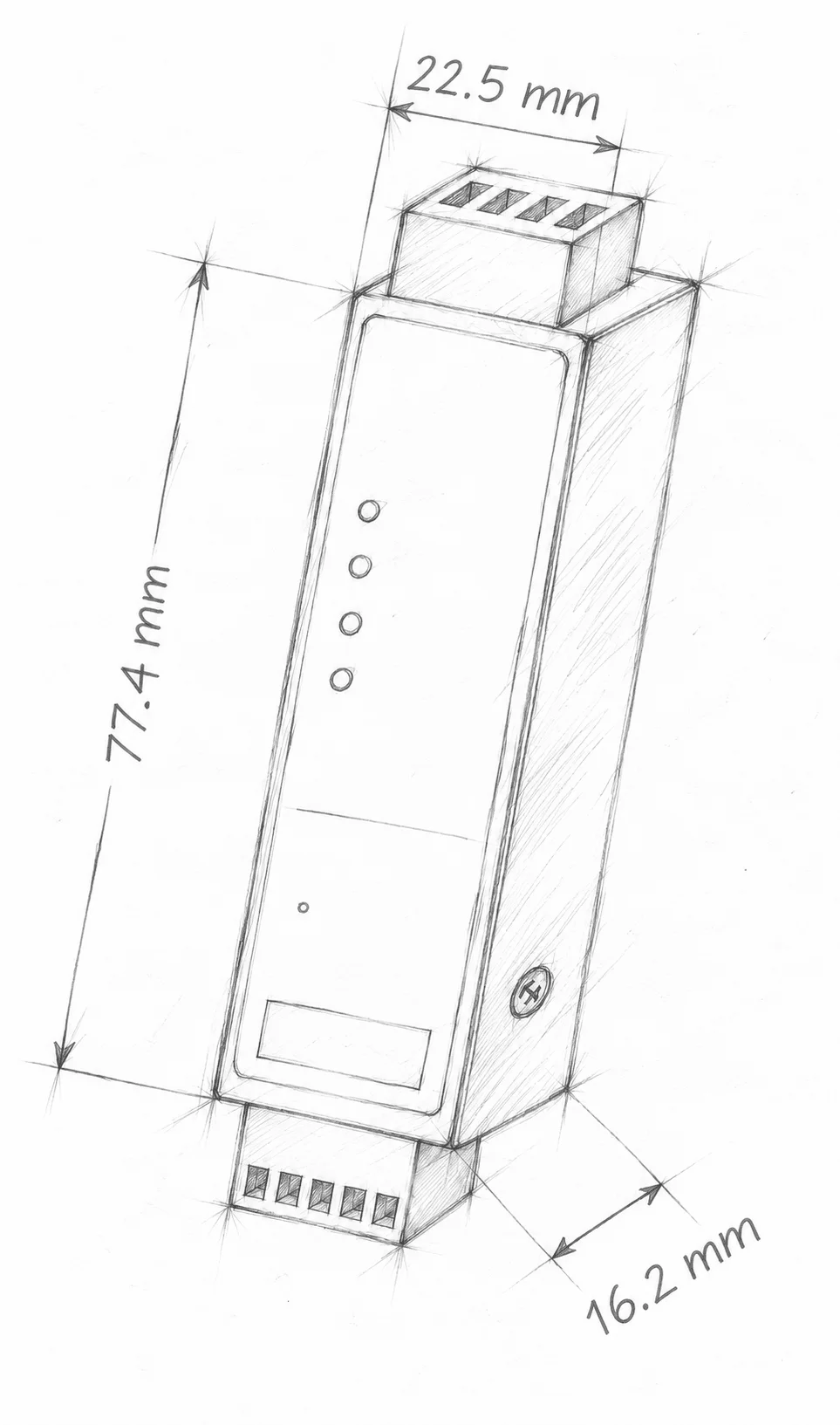
No. The Y301-110 / 200 / 020 specification lists 77.4 × 22.5 × 16.2 mm. Y201 and Y201C dimensions differ. Use the selected model’s mechanical drawing and allow additional space for terminals, mounting, cable bends and antenna connections.
Can MiniLink work with my existing equipment?
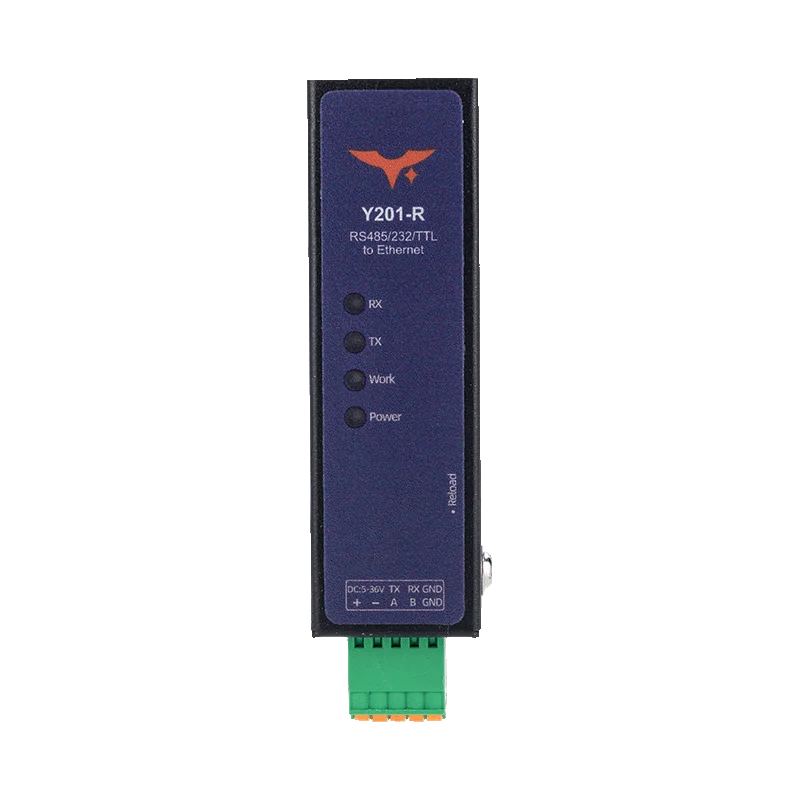
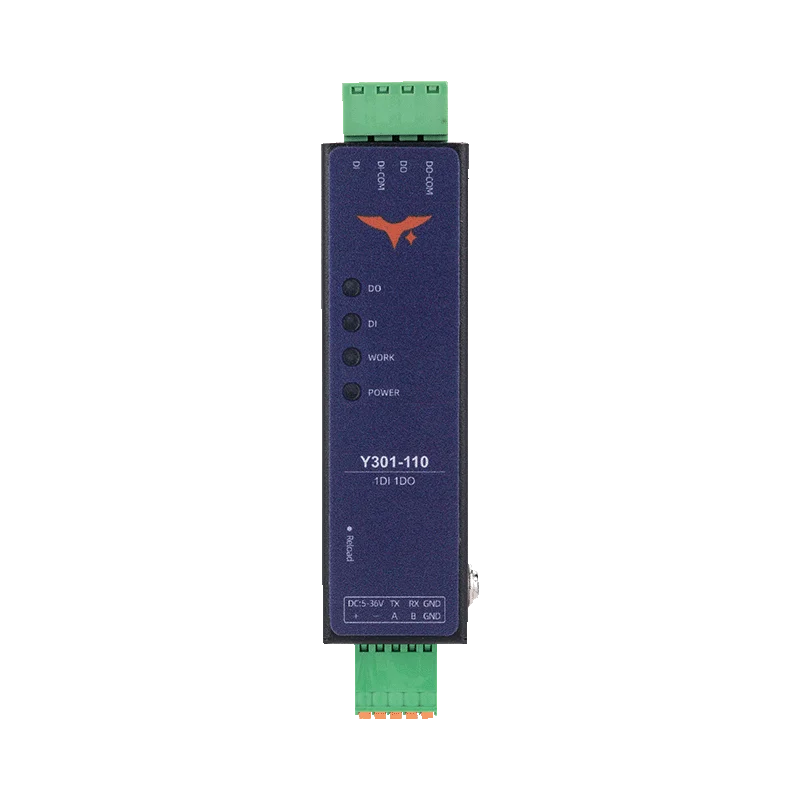
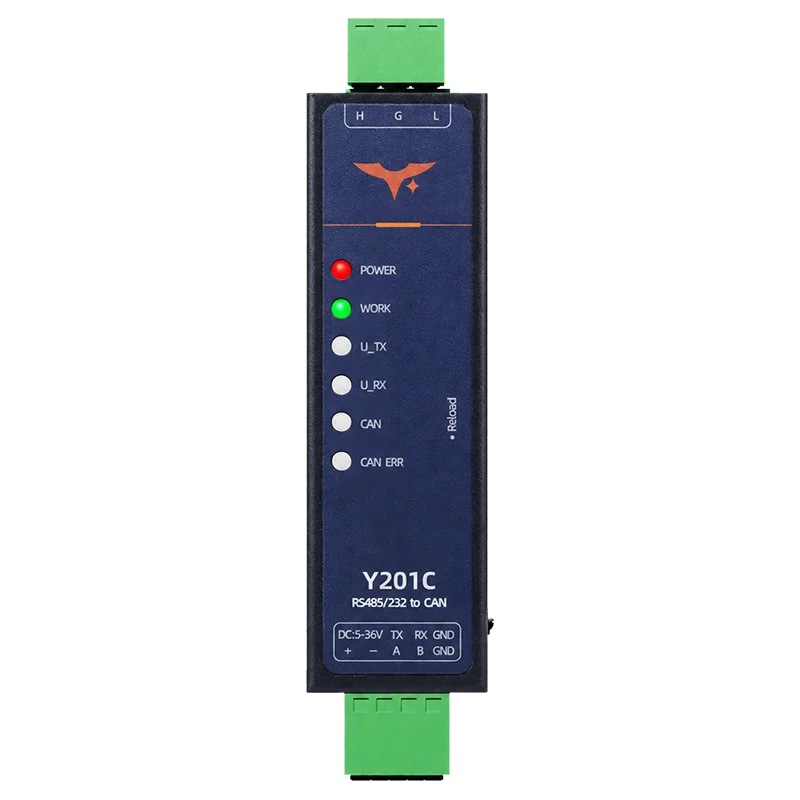
Check the equipment’s electrical interface, communication protocol and supply first. Y201 connects a serial device to the selected network, Y301 adds Modbus RTU digital I/O, and Y201C converts between CAN and serial. Network modes, data formats and device parameters still need to match.
Does one Y201 provide RS232, RS485 and TTL at the same time?
No. Each Y201 has one physical serial port with the electrical interface selected when ordering. Network sockets are logical connections, not additional serial ports. Verify the TTL voltage for the supplied variant before wiring.
Does a Y301 module connect directly to Wi-Fi, 4G or LoRa?
These three Y301 models are serial Modbus RTU I/O modules. Network access requires a separate compatible gateway. Y201-L carries serial data over a private LoRa link; it is not a LoRaWAN device or a direct MQTT uplink.
What should I send for an integration check?
Describe the existing equipment, available installation space, supply voltage, interface and function you want to add. For a cellular link include the country and operator; for CAN conversion include the CAN frame definition and required serial format.
MiniLink integration check
What would you like to add to your equipment?
Tell us about the existing device, available space, supply and required function. We’ll help you check the model and interface options.