
LoRa Wireless Controller
Operate pumps, fans, lighting and valves with a compatible handheld remote and local relay control. Power the controller from a 9–72 V DC supply.
- Control circuits
- 2 / 4 / 6 / 8 / 16
- Wireless link
- LoRa · External antenna
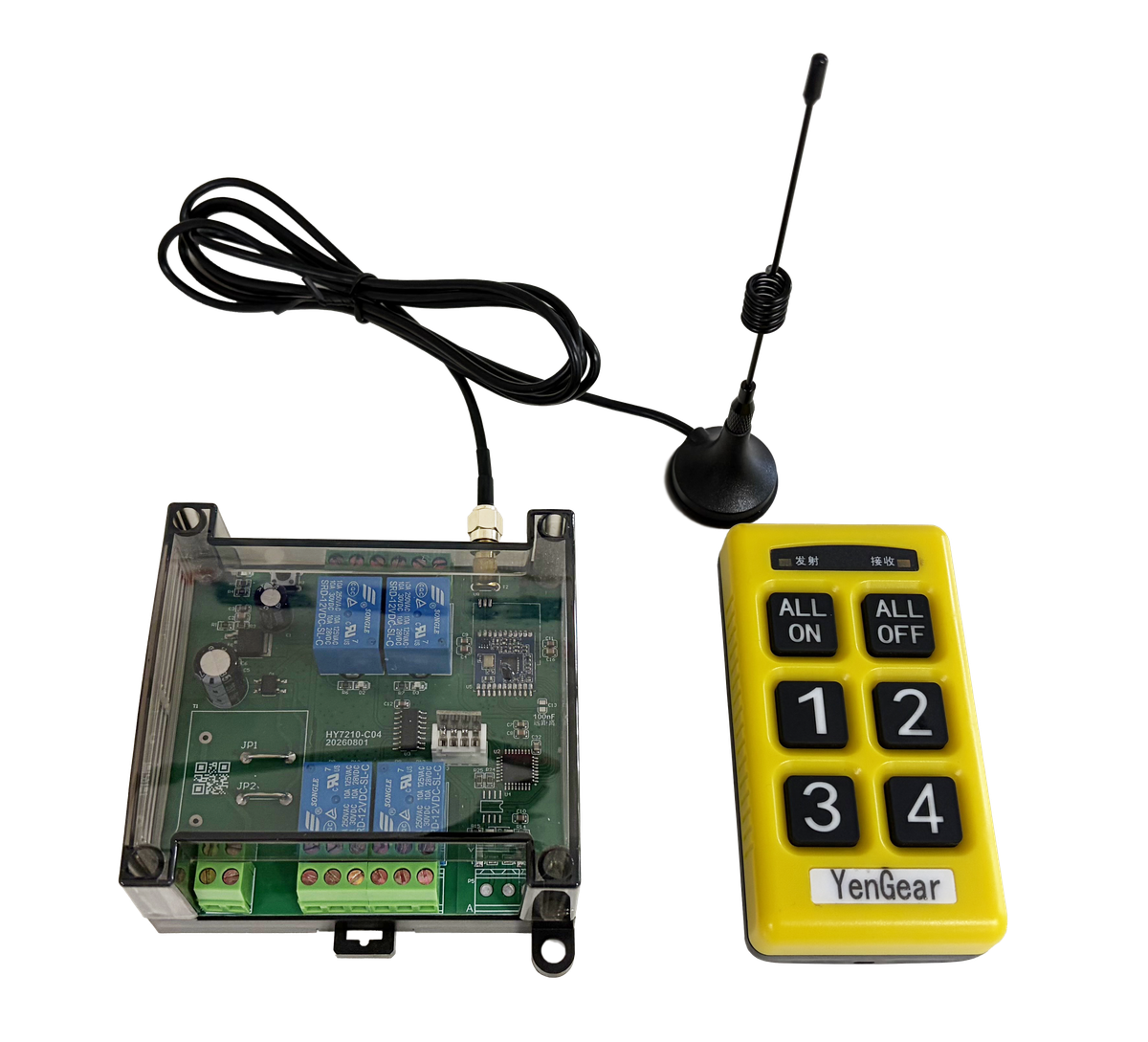
Y406 Operation Demo
Watch Y406 handheld relay control with English captions.
Handheld Remote and Controller Module
Y406 combines a handheld LoRa remote with a relay controller.
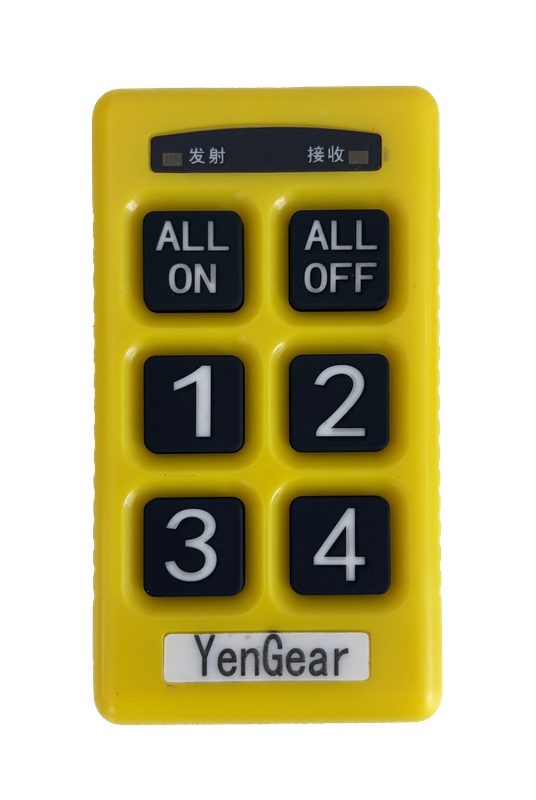
Handheld Remote
The remote sends button commands over LoRa. Select a compatible remote with a key layout for the equipment you need to operate.
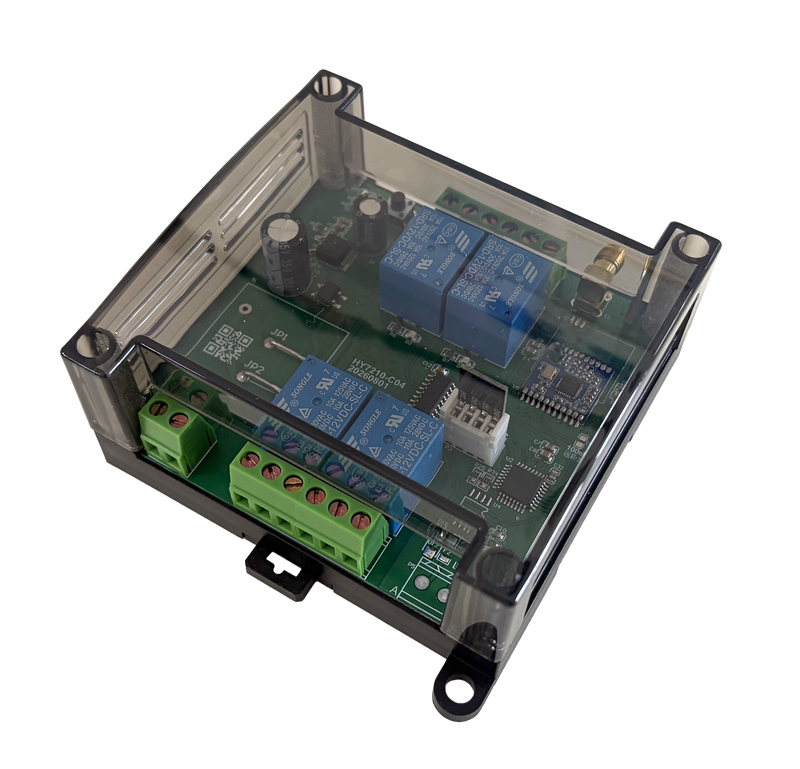
Controller Module
The controller receives LoRa commands and switches its relay outputs. Wire the contacts into the equipment control circuit using the unit’s terminal diagram and contact ratings.
Models and Specifications
Choose 2, 4, 6, 8 or 16 control circuits. Match the controller model and compatible handheld remote to your equipment.
| Model | Control circuits | Dimensions |
|---|---|---|
| Y406-22-L | 2 | 95 × 110 × 45 mm |
| Y406-44-L | 4 | 95 × 110 × 45 mm |
| Y406-66-L | 6 | 95 × 110 × 45 mm |
| Y406-88-L | 8 | 125 × 110 × 45 mm |
| Y406-GG-L | 16 | 180 × 100 × 50 mm |
Series Specifications
- Power supply
- 9–72 V DC
- Wireless link
- LoRa · 433 MHz (reference). Check the ordered version.
- Antenna
- External antenna
- Relay outputs
- 10 A / 250 V AC
- RS485
- External control; use the supplied protocol.
PLC Integration over RS485
A separate communication expansion board reports remote-key states over RS485 using Modbus RTU. The PLC reads those states and applies its own control logic.
Use the expansion board's Modbus RTU register map for PLC key-state access. For Y406 relay-controller commands, use the protocol and terminal drawing supplied with the controller.
Discuss PLC IntegrationDocuments and Remote Setup
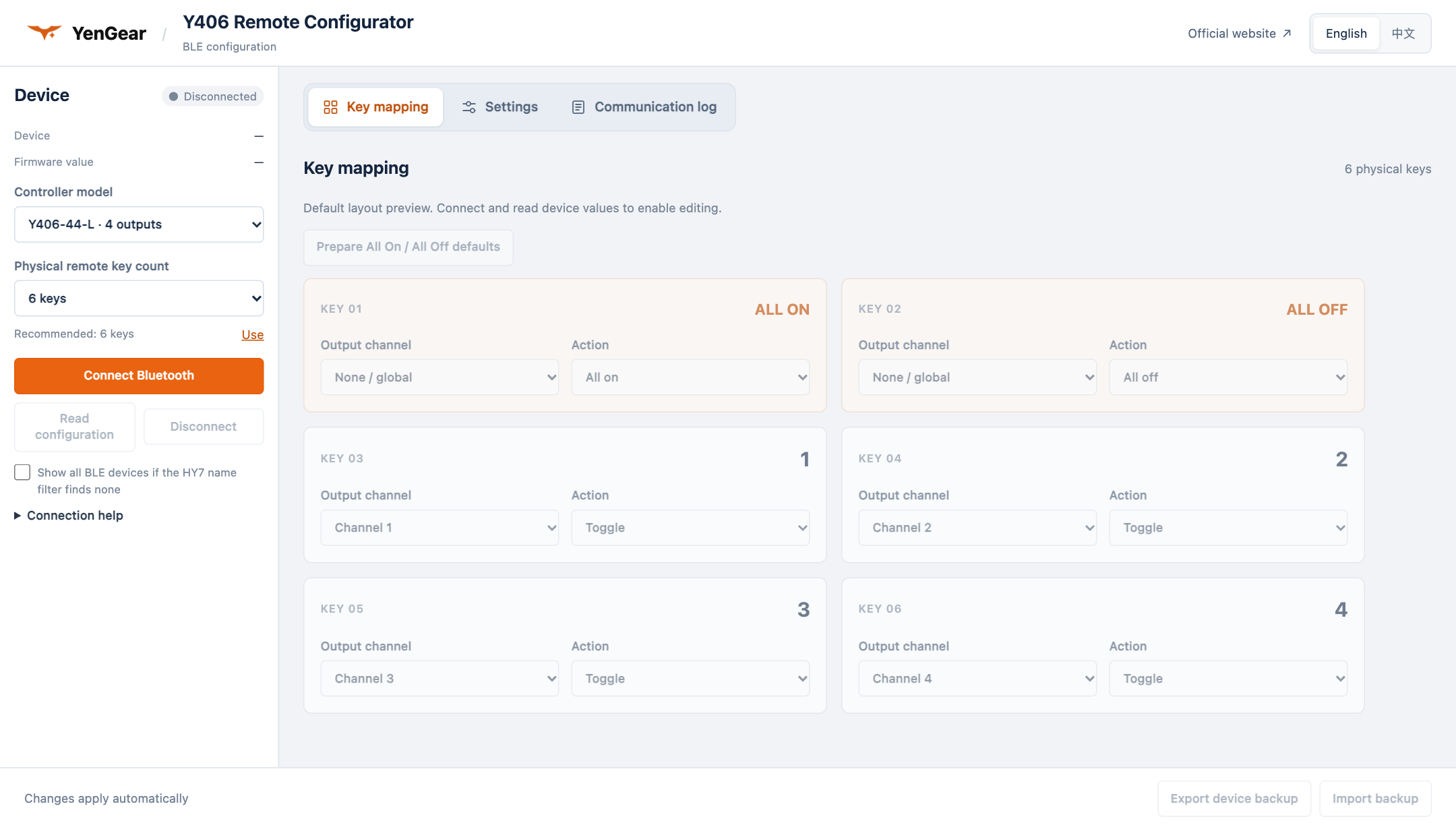
Check the model specifications and installation details, or configure a compatible handheld remote with Remote Configurator.
FAQ
Choosing and integrating the Y406 controller and handheld remote.
Which Y406 model should I choose?
Choose the controller by the number of circuits you need to operate: Y406-22-L has 2, -44-L has 4, -66-L has 6, -88-L has 8 and -GG-L has 16. Order a compatible remote with the required key layout.
What power supply does Y406 require?
Y406 controllers use a 9–72 V DC input. Connect a DC supply within this range and check polarity against the unit’s wiring diagram before applying power.
Can I connect the remote to a PLC?
PLC key-state access requires the separate communication expansion board and its Modbus RTU protocol. For direct RS485 control of a Y406 relay controller, use that controller’s own commands and wiring diagram.
Does the remote acknowledgement confirm that equipment is running?
It confirms communication with the module, not relay movement or equipment state. Equipment feedback and LCD indication require a compatible remote, sensing and feedback protocol.
Can Y406 connect to an app or IoT Cloud?
Y406 does not include 4G, Wi-Fi, Ethernet, cloud services or LoRaWAN gateway connectivity. Browser-based remote setup requires a compatible BLE configuration module and firmware; it does not add cloud equipment control.
Request a Y406 Configuration
Send the equipment type, circuit count, supply voltage and operating distance. Note obstacles along the radio path and any PLC or equipment-feedback requirements.